Area Search
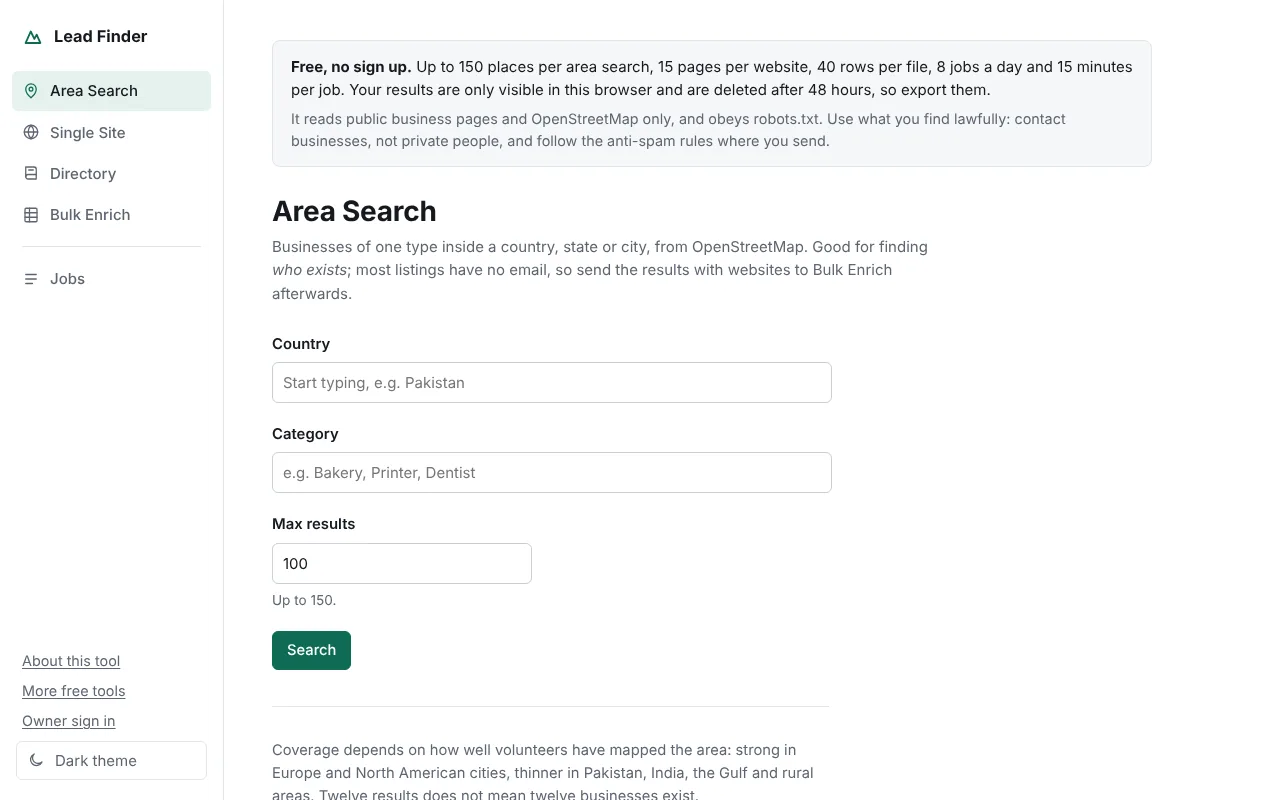
Pick a country, an optional state or city, and a business type such as dentist, bakery or printer. It lists every matching place mapped on OpenStreetMap, with address, phone and website where the map has them.
Lead Finder finds businesses of one type in a city and collects the emails, phone numbers and social links they publish on their own websites. It is free, needs no account, and exports to Excel or CSV.
Four tools that work together: find who exists, then find how to reach them.
Pick a country, an optional state or city, and a business type such as dentist, bakery or printer. It lists every matching place mapped on OpenStreetMap, with address, phone and website where the map has them.
Enter one website. It reads the contact and about pages first and lists every published email, phone number, social profile and address, each with the page it came from.
Upload an Excel or CSV list of companies. It visits each website and adds email, phone and social columns on the right. Your original columns stay as they were.
Paste the address of a business directory or member list. It reads the listings, then visits each member’s own website for contact details.
Run an Area Search, then send the places that have a website to Bulk Enrich.
It uses open data and reads public websites itself, so there is no paid database to pay for.
Paid lead databases charge per contact and are often out of date. Lead Finder uses OpenStreetMap to learn which businesses exist, then reads each business’s own website, so what you get is what the business publishes today. I built it for my own outreach and opened it so people who cannot pay for a lead database can use it too.
Each job is small so the server stays fast for everyone.
| Limit | Free version |
|---|---|
| Places per area search | 150 |
| Pages read per website | 15 |
| Rows per uploaded file | 40 |
| Directories per job | 2 |
| Jobs per day | 8 per network |
| Longest job | 15 minutes |
| How long results are kept | 48 hours |
The full source runs on any PHP host or on Windows with XAMPP, with no limits. Read how it is built.
Yes. There is no sign up, no card and no paid plan. The free version has limits per job so the server stays fast for everyone.
From the businesses’ own public websites: contact pages, footers, mailto links and structured data. Business listings come from OpenStreetMap. No paid database and no scraped social networks are used.
Each result has a confidence level. High means it came from a mailto or tel link or structured data; low means it was found in ordinary text. Some sites publish no email at all, and OpenStreetMap coverage varies by country.
No. Your jobs are tied to your browser and nobody else can open them. They are deleted after 48 hours, so export them to Excel or CSV.
Finding a published business address is fine, but sending email is covered by laws such as CAN-SPAM in the US, GDPR and PECR in the UK and EU, and CASL in Canada. Contact businesses rather than private people, say who you are, and offer an easy way to opt out.
Yes. It reads robots.txt and stops when a site asks it to, waits between pages, and identifies itself with a page explaining what it is.
No account, no card. Results stay in your browser for 48 hours.