Line items and tax
Each line has a quantity, unit price and tax rate. Totals are calculated for you.
Workspace invoicing is free: add line items and tax, print the invoice to PDF, record payments and see the amount still due. Unpaid invoices and this month’s income show on your dashboard.
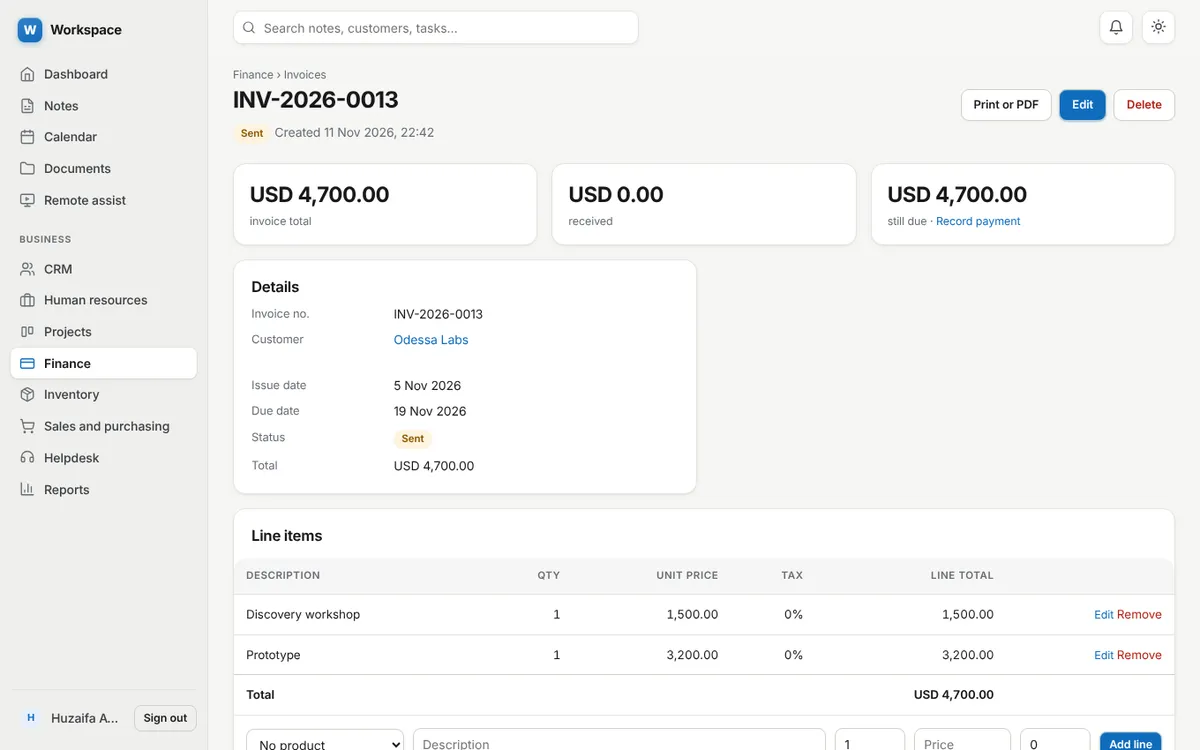
Each line has a quantity, unit price and tax rate. Totals are calculated for you.
A clean print view saves to PDF from any browser.
Record full or part payments. The invoice shows received and still due.
Turn a quotation or sales order into an invoice with its lines copied.
Track supplier bills, income and expenses by category.
Profit and loss, cash flow, unpaid invoices and sales by customer, with CSV export.
As many as you need. There is no invoice or customer limit.
No. You record payments you receive by bank, cash, card or wallet. There is no payment gateway.
Yes. Set a three letter currency code such as USD, PKR or EUR in your profile.
Sign up with an email address. Every module is ready.