Free for every session
No technician licences and no session limits.
Workspace Remote assist is a free alternative to Zoho Assist for attended support. See the customer’s screen with no sign up, or sign in to control the mouse and keyboard with their approval. Choose Zoho Assist for unattended access or file transfer.
No technician licences and no session limits.
Start a screen share with just your name. The customer shares from a desktop browser.
Signed-in technicians can use the mouse and keyboard on Windows, macOS or Linux after the customer approves it.
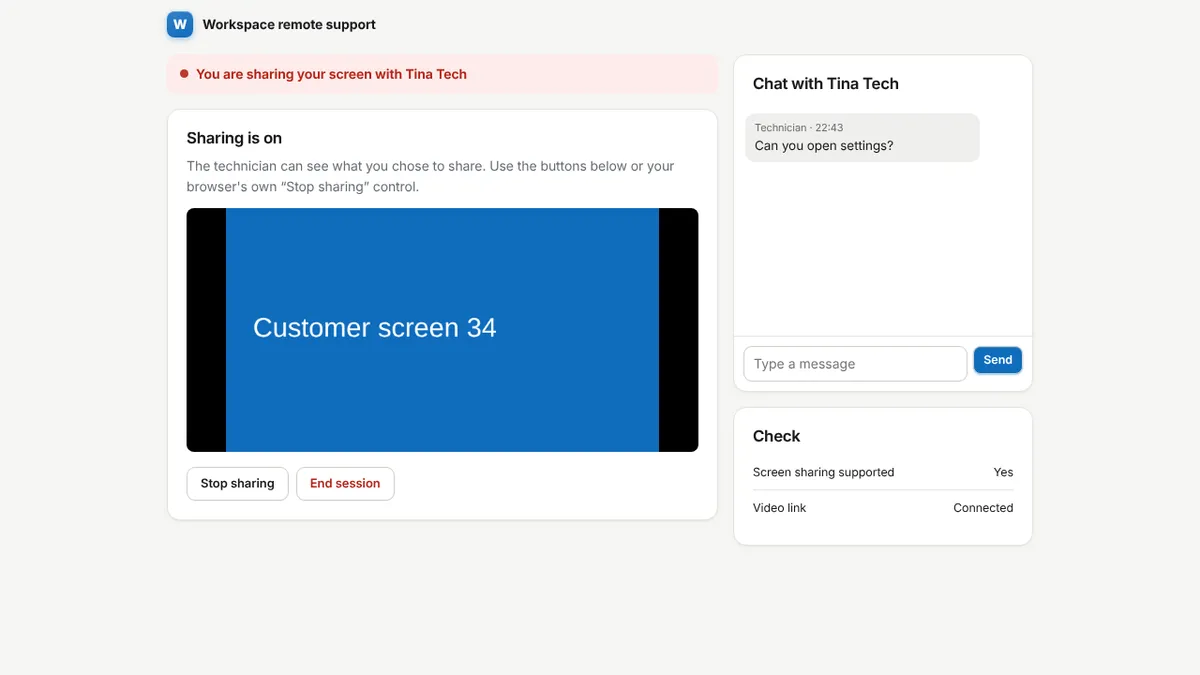
Talk to the customer during the session and open their screen full screen.
A code, a plain explanation and a tick box before anything is shared.
Chat during the session and keep an audit trail.
Tickets, customers, invoices and notes are in the same account.
| Feature | Workspace | Zoho Assist |
|---|---|---|
| See the customer’s screen | Yes | Yes |
| Control mouse and keyboard | Yes, Windows, macOS and Linux X11, with approval (beta) | Yes |
| Start without an account | Yes, for viewing | No |
| Unattended access | No | Yes |
| File transfer | No | Yes |
| Customer installs software | Not to view. A small helper to allow control | For full control, yes |
| Price | Free | Paid plans, with a limited free edition |
Choose Zoho Assist if you need to reach machines when nobody is there, move files, work inside administrator prompts, or want a signed, long established product. Workspace covers attended sessions where the customer is at the computer.
Zoho Assist is a trademark of its owner. This page is an independent comparison; check their site for current features and pricing.
No. It covers attended support: seeing the screen, and controlling a Windows computer while the customer is present. It has no unattended access or file transfer.
The customer shares their entire screen, runs a small helper program, and approves control on the page and in the helper window. The technician must be signed in. Closing the helper stops control at once.
Yes. Sessions, chat and logs are free with no limits.
Sign up with an email address. Every module is ready.