Two editors
A rich text editor, or Markdown with a live preview.
Workspace Notes is a free, private notes app. Write in rich text or Markdown, and it saves as you type. Organise with nested folders and tags, pin what matters, and export to Markdown or PDF.
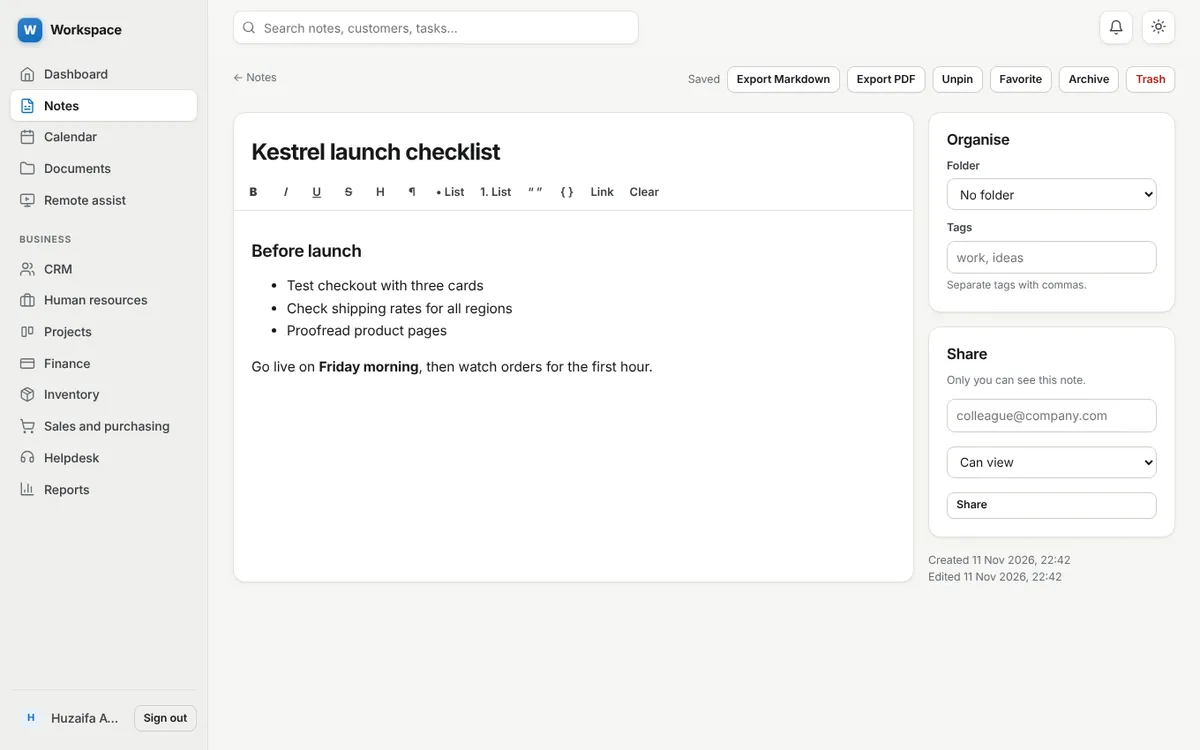
A rich text editor, or Markdown with a live preview.
Notes save a moment after you stop typing.
Nested folders, tags, pins, favorites and an archive.
Deleted notes stay in the trash until you empty it.
Share a note with another account as view only or can edit.
Download as Markdown, or print to PDF.
Yes. Only you can open a note unless you share it with a specific person.
No. It is a web app and needs a connection to save.
Yes. Each note exports to Markdown or PDF.
Sign up with an email address. Every module is ready.